


Google's chat for Windows
Google also invested heavily in instant messaging with Hangouts and, to be able to compete with similar tools like WhatsApp, LINE or Telegram, it has launched the application's PC version.
One of the best instant messaging applications.
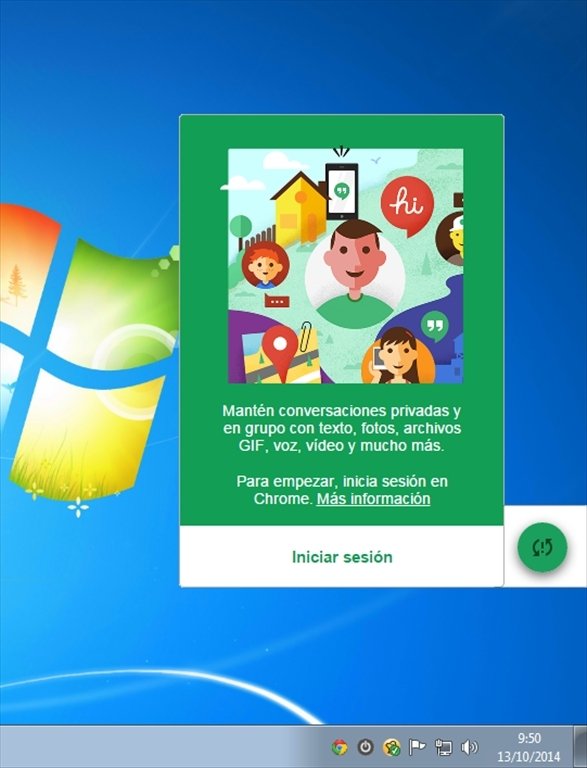
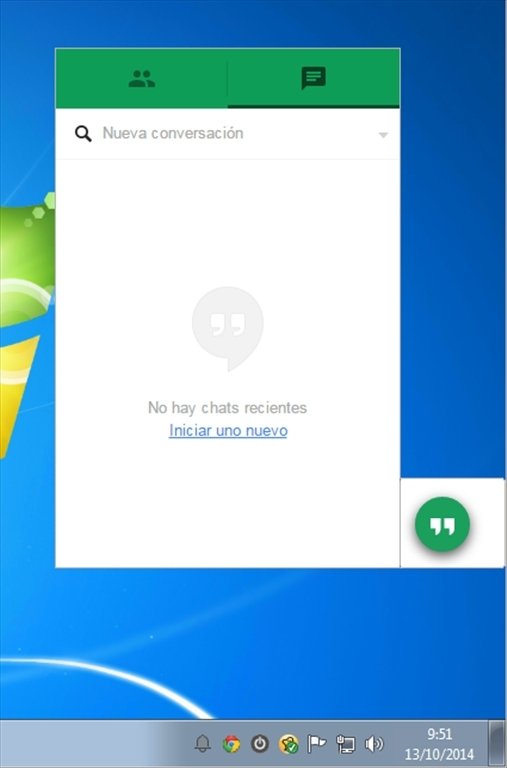
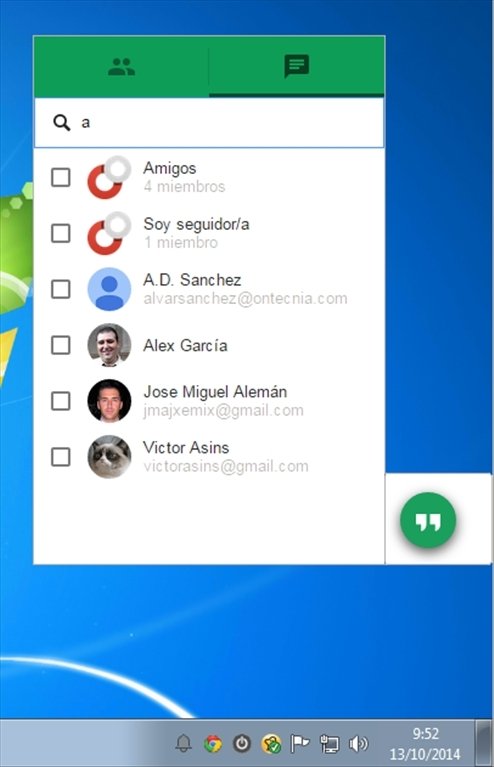
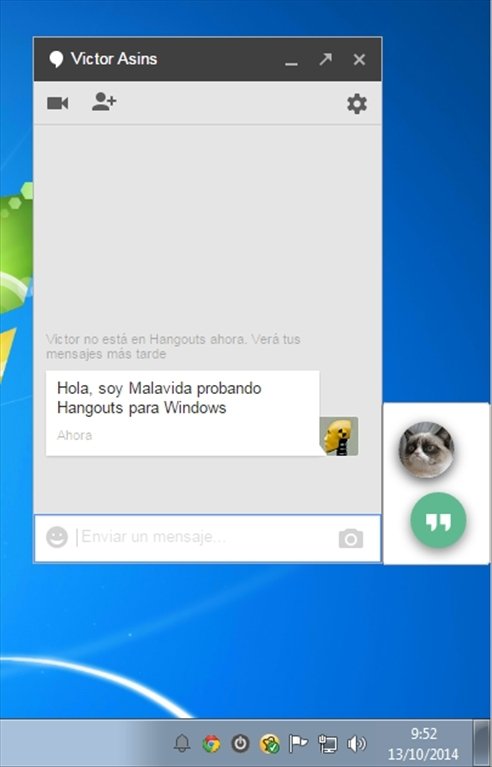
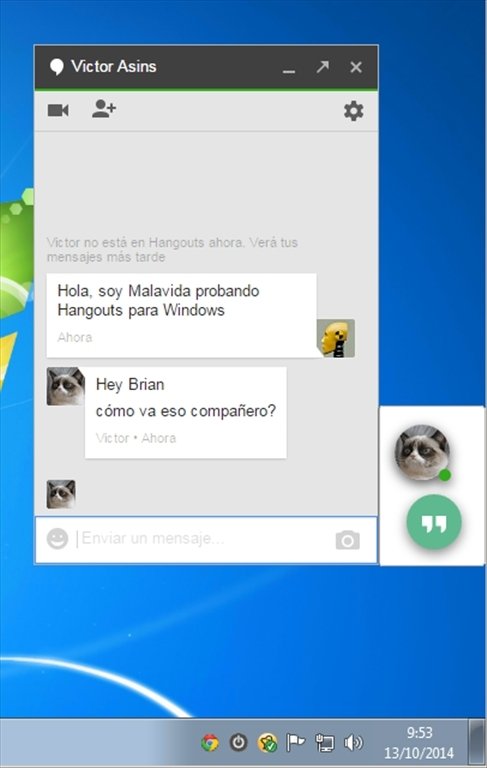
This version of Hangouts for Windows offers the different chat, video and video call functions that we had already seen on phones, but now for our computer. We can get in touch with any of our friends regardless of the device they use.
Main features of Hangouts for PC
- Native mode that runs in the background.
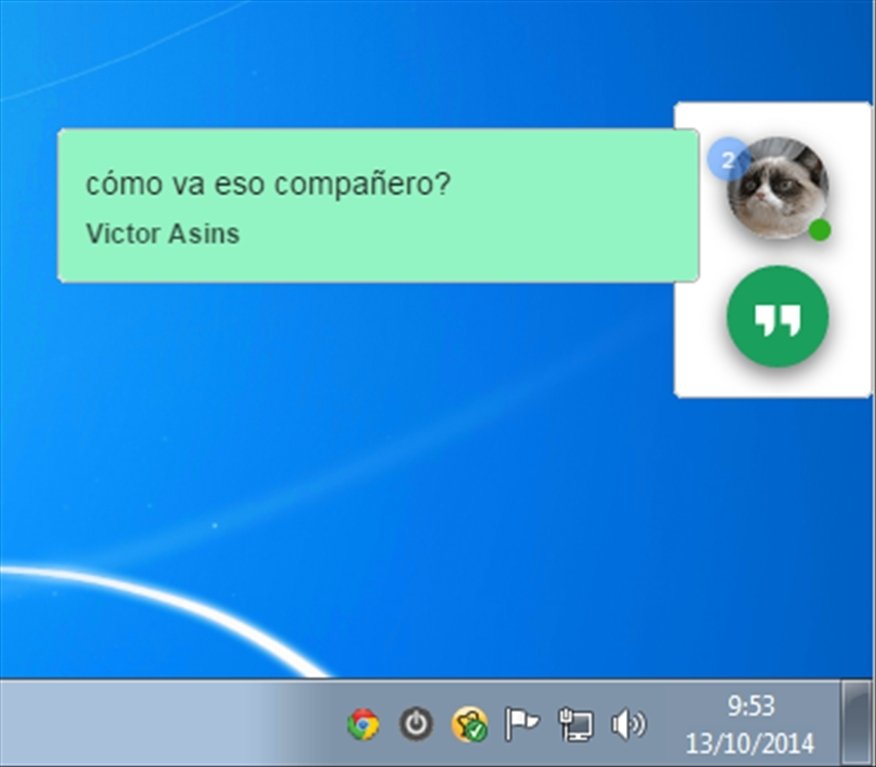
- Animated avatars of your contacts on the screen so that you don't miss out on any messages.
- Autominimize function for the chat's windows.
- Pre-read messages.
- Pin important conversations to the desktop.
- Keyboard shortcuts.
- Support for Google Voice.
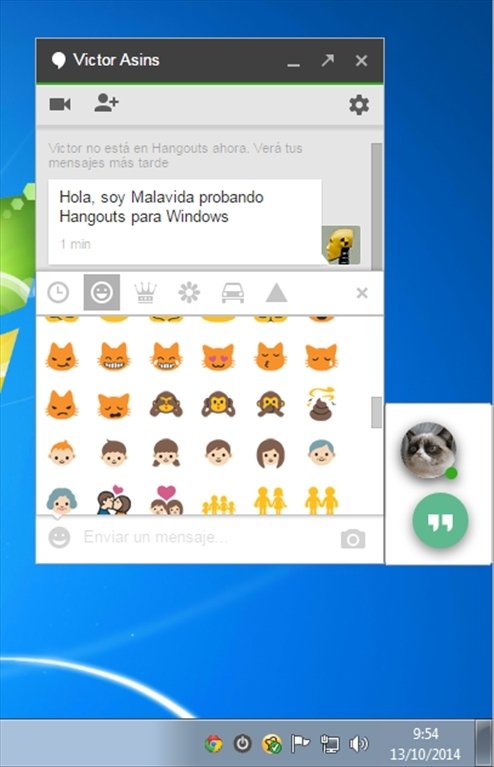
- Over 800 emojis.
Download Hangouts and put on your desktop the instant messaging application developed by Google.
Requirements and additional information:
- Requires Google Chrome.
 Elies Guzmán
With a degree in History, and later, in Documentation, I have over a decade of experience testing and writing about apps: reviews, guides, articles, news, tricks, and more. They have been countless, especially on Android, an operating system...

Antony Peel